
Upload a plan. Get a priced quote.
Quick Planner Max saves hours of estimating — drop in a plan and get a priced worksheet and sendable quote back. No manual takeoff, no blank catalog.
Or just email it to Max.
Forward a plan, work order, RFQ, or PO straight to Max over email — no need to open the app first. Max reads it, drafts the scope of work, and gets it ready for review.
Built to save you hours, not minutes.
Everything you need to turn a plan into a quote — without the takeoff grind.
- Upload plans, work orders, RFQs, and POs
- Automatic takeoff with assumptions, exclusions, and open questions
- Priced worksheet and a sendable quote from your own catalog
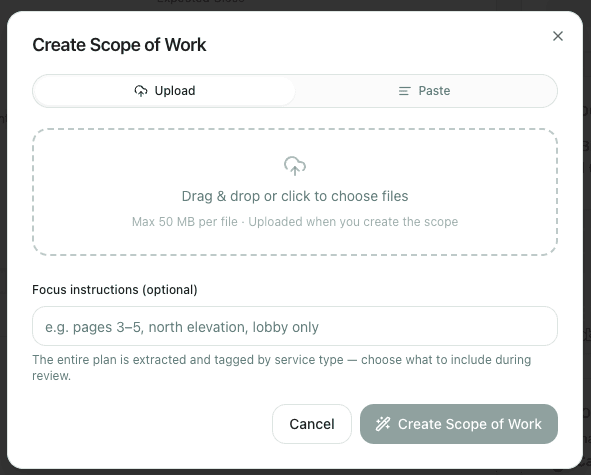
Upload the plan
Drop in a PDF or paste text — a full set of drawings, a spec sheet, or a punch list. Add focus instructions if you only need part of it reviewed.
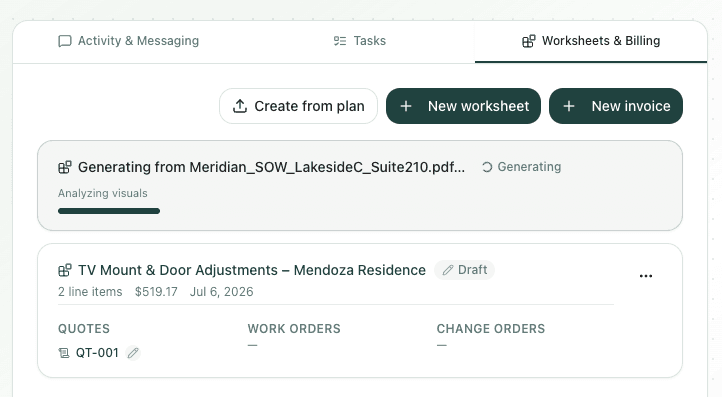
AI extracts the scope
The plan is read page by page — visuals included — and tagged by service type while you keep working.
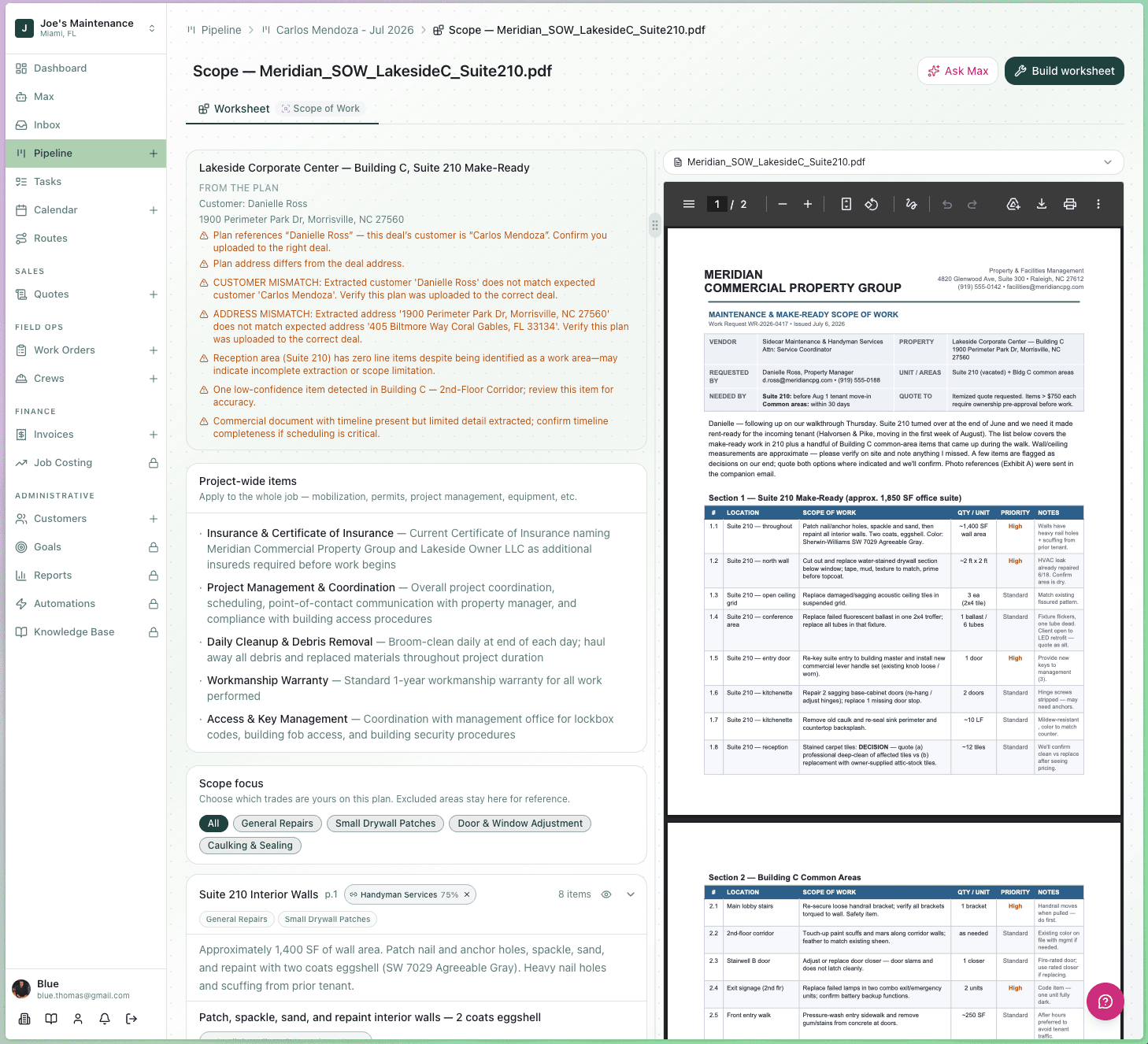
Review and edit the scope
Every extracted item is checked against the deal it was uploaded to — mismatched customers, addresses, and low-confidence items are flagged so nothing priced gets missed or misread.
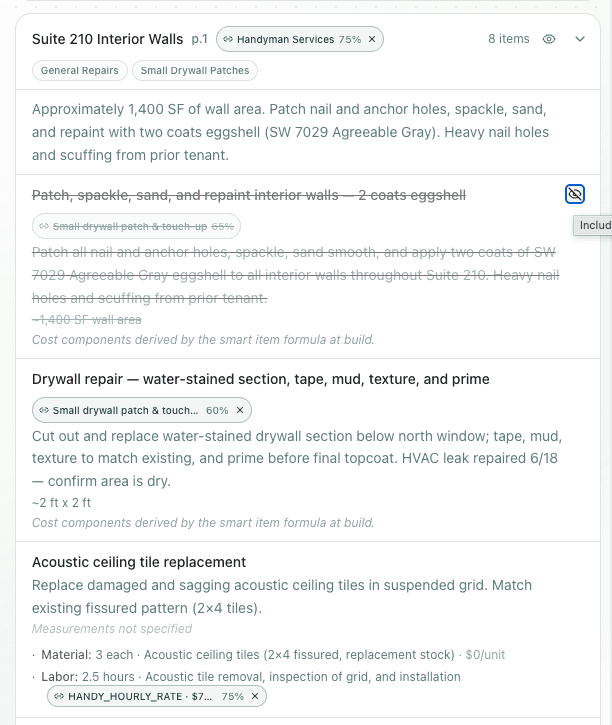
Include or exclude what's yours
Not every line is your trade. Exclude components outside your scope — they stay visible for reference without pricing into your worksheet.
Build the worksheet and quote
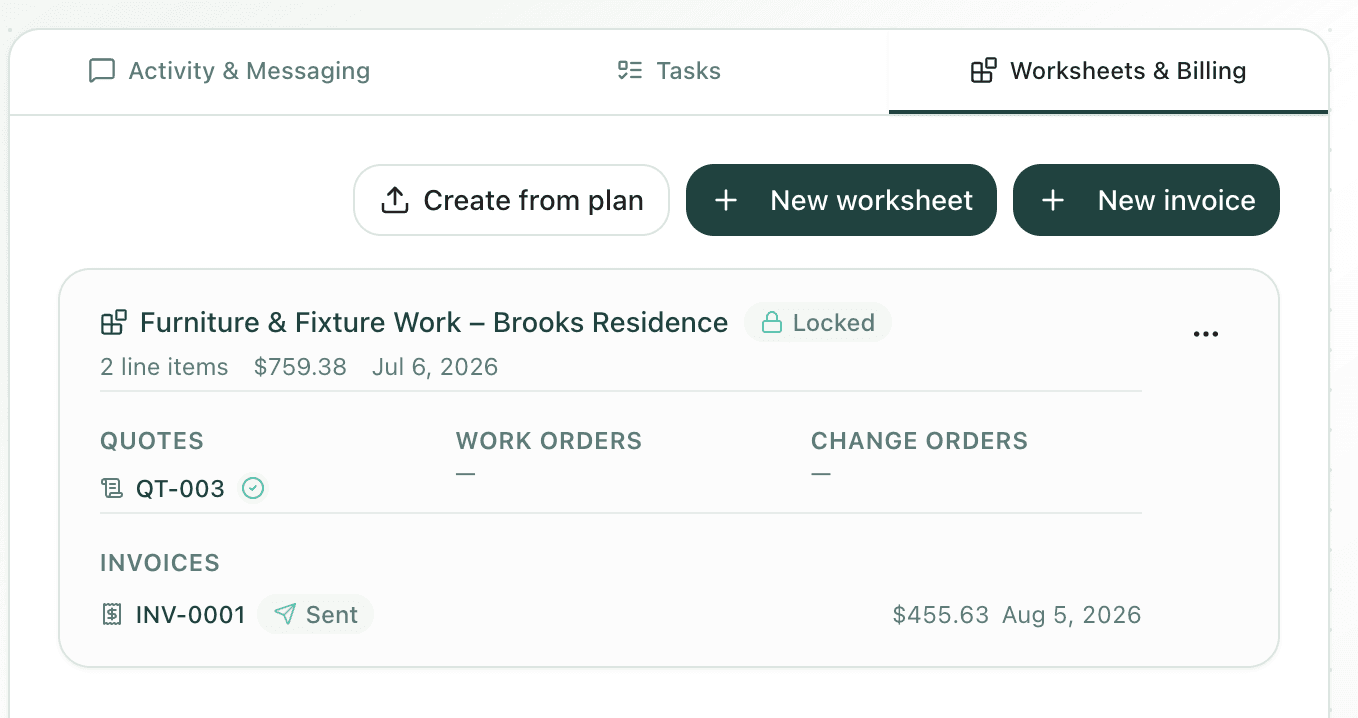
One click turns the reviewed scope into a priced worksheet — smart items already matched, quantities already pulled from the plan, ready to send as a quote.
Need more than plans and quotes? See Sidecar with Max's full CRM, sales pipeline, and job costing tools.
See a plan turn into a quote.
Request a personalized demo — we'll walk a real plan through Quick Planner Max.